How to Block Caller ID on Your iPhone
Matt Cone February 1, 2021 Tutorials iPhone
When you call other people with your iPhone, your phone number will appear on their screen by default. To hide your caller ID, you can change a setting to block caller ID on your iPhone. Once the setting is changed, your calls will appear as “Private” or “Unknown” on the recipient’s phone.
Tip: The block caller ID feature isn’t available for all iPhone users. If your service provider doesn’t support this feature, you won’t be able to enable it.
Here’s how to block and hide the caller ID on your iPhone:
From your iPhone’s home screen, tap Settings.
Tap Phone.
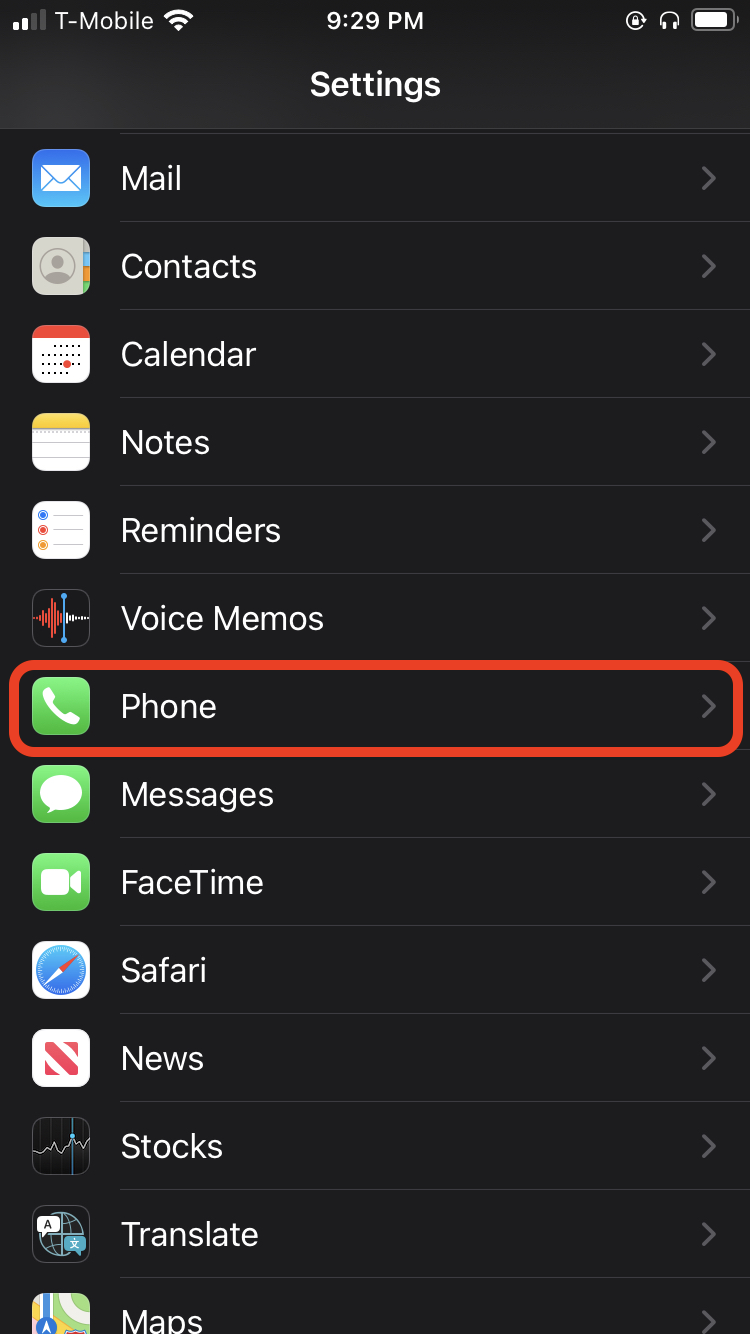
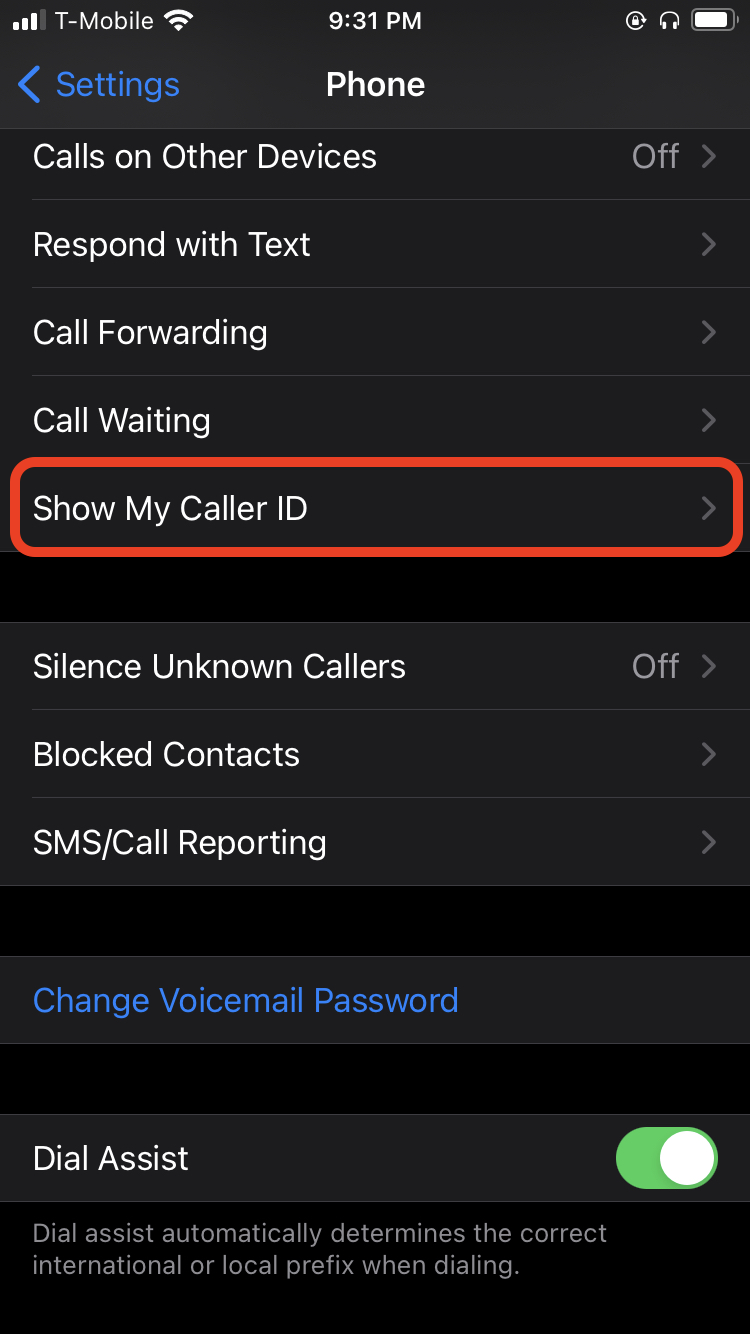
Tap Show My Caller ID.
Move the switch for Show My Caller ID to the off position.
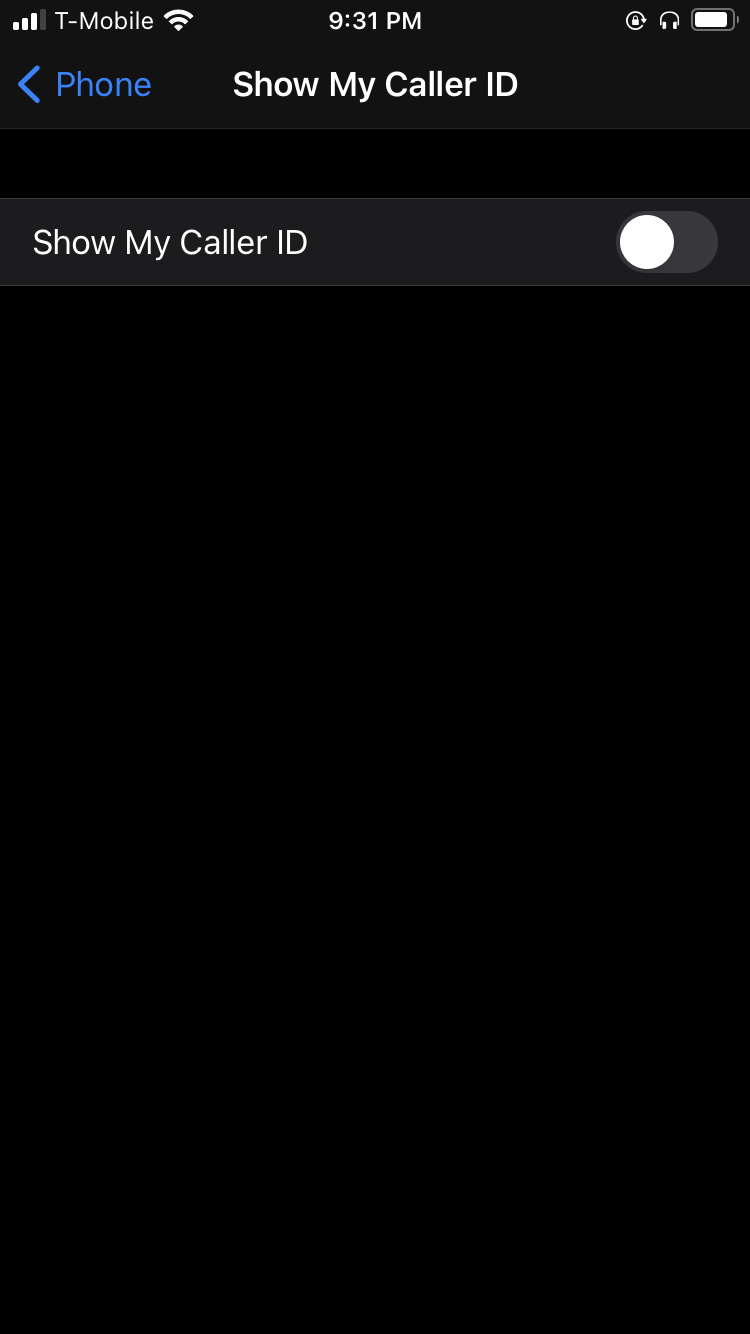


That’s it! Now your calls will appear as “Private” or “Unknown” on the recipient’s phone.